-Feb-15-2023-02-29-15-7102-PM.png?width=120&height=40&name=Untitled%20design%20(8)-Feb-15-2023-02-29-15-7102-PM.png)
Trezor Suite is the official desktop application that allows your hardware device to communicate securely with Casa through your browser and add a signature to your transaction or health check.
You must download and install the Trezor Suite desktop app on your computer and keep it open in the background during the health check and transaction signing process. Trezor Suite handles all communication between your Trezor device and Casa, no additional software is required.
Important: Trezor Bridge has been deprecated. Standalone Trezor Bridge is no longer needed and should be uninstalled if it is still on your computer, as it may interfere with Trezor Suite in future releases.
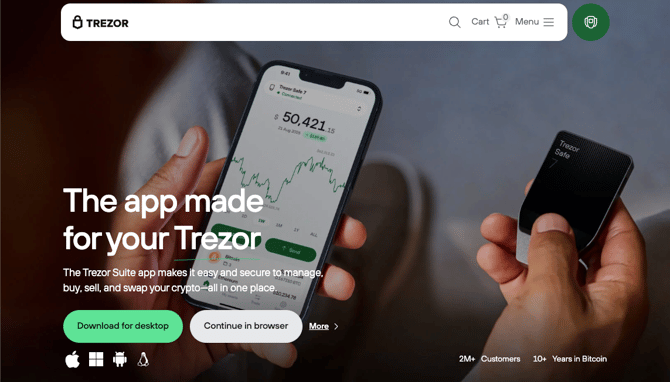
Trezor Suite download page
Supported operating systems
Trezor Suite is available for the following desktop operating systems:
- Windows (version 10 or newer)
- macOS (version 12 "Monterey" or newer)
- Linux
Not supported for desktop: ChromeOS (Chromebooks) and iPads cannot run the Trezor Suite desktop app. ChromeOS users can try the Trezor Suite web application using Google Chrome, or the Trezor Suite mobile app.
Troubleshooting
If you are having trouble installing or using Trezor Suite with Casa:
- Use Google Chrome for the best experience. Brave and Firefox may also work, but Chrome is recommended. Make sure your browser is up to date.
- Try incognito/private mode to rule out interference from browser extensions (such as ad blockers or Privacy Badger).
- Reboot your computer after installing or updating Trezor Suite.
- Make sure Trezor Suite is open and running in the background before starting a health check or signing a transaction in Casa.
- Close other applications that may be communicating with your Trezor (such as Electrum, or Trezor Suite's web app open in a browser tab).
- Try a different USB cable. Not all USB cables support data transfer — use the cable that came with your Trezor, or one rated for data (not just charging).
- Turn off your VPN if you encounter an "all backends are down" error, as VPNs can interfere with the Trezor's browser communication.
For a full list of common Trezor error messages and solutions, see Trezor Troubleshooting.
If you've tried the above steps and are still having issues, please reach out to our support team and we'll be happy to assist.