-Feb-15-2023-02-29-15-7102-PM.png?width=120&height=40&name=Untitled%20design%20(8)-Feb-15-2023-02-29-15-7102-PM.png)
Steps:
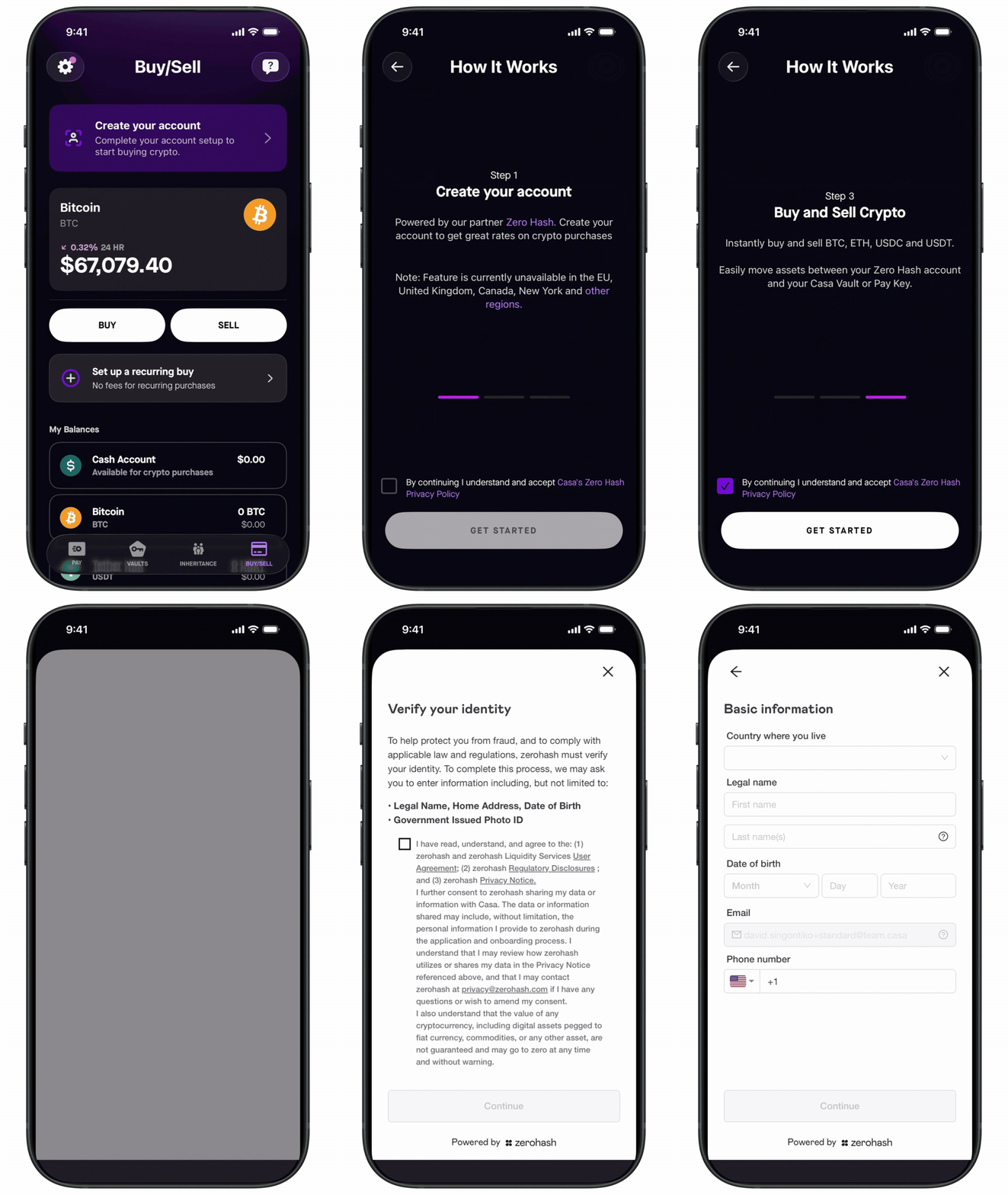
- Open the Casa app and tap the Buy/Sell tab.
- Tap "Create your account"
- Review and accept the Privacy Policy.
- Complete the identity verification (KYC) process. You'll be asked for your name, address, date of birth, and a government-issued ID.
- Submit your details. Approval is usually instant.
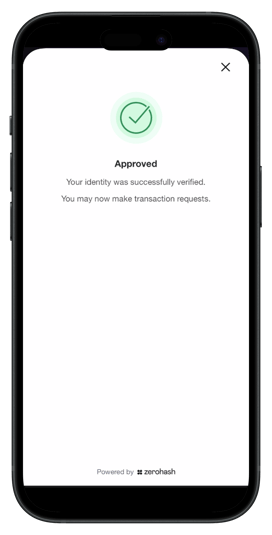
- Once approved, you'll see a confirmation and can proceed to link your bank account.
Privacy Note: Casa does not have access to the personal information you provide to Zero Hash. Your identity remains anonymous to us — we only identify you by your email address.
See also: